information gatheringpentest tool
flashlight - Automated Information Gathering Tool for Penetration Testers
Umut
September 22, 2017
0 comments
Pentesters spend too much time during information gathering phase. Flashlight (Fener) provides services to scan network/ports and gather information rapidly on target networks. So Flashlight should be the choice to automate discovery step during a penetration test. In this article, usage of Flashligh application will be explained.
Installation
``` apt-get install nmap tshark tcpdump dsniff ```
In order to install phantomjs easily, you can download and extract it from https://bitbucket.org/ariya/phantomjs/downloads.
Flashlight application can perform 3 basic scan types and 1 analysis type. Each of them are listed below.
Example : Passive Scan
In passive scan, no packets are sent into wire. This type of scan is used for listening network and analyzing packets.
To launch a passive scan by using Flashlight; a project name should be specified like “passive-pro-01”. In the following command, packets that are captured by eth0 are saved into “/root/Desktop/flashlight/output/passive-project-01/pcap" directory, whereas, Pcap files and all logs are saved into "/root/Desktop/log" directory.
./flashlight.py -s passive -p passive-pro-01 -i eth0 -o /root/Desktop/flashlight_test -l /root/Desktop/log –v

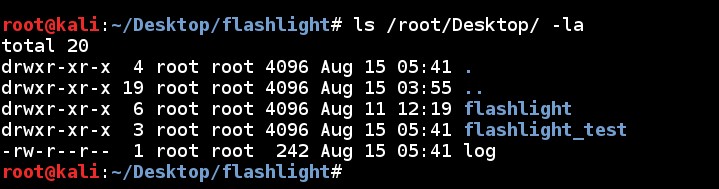
When the scan is completed a new directory, named “flashlight_test" and a log file, named “log”, are created in "/root/Desktop/" directory.
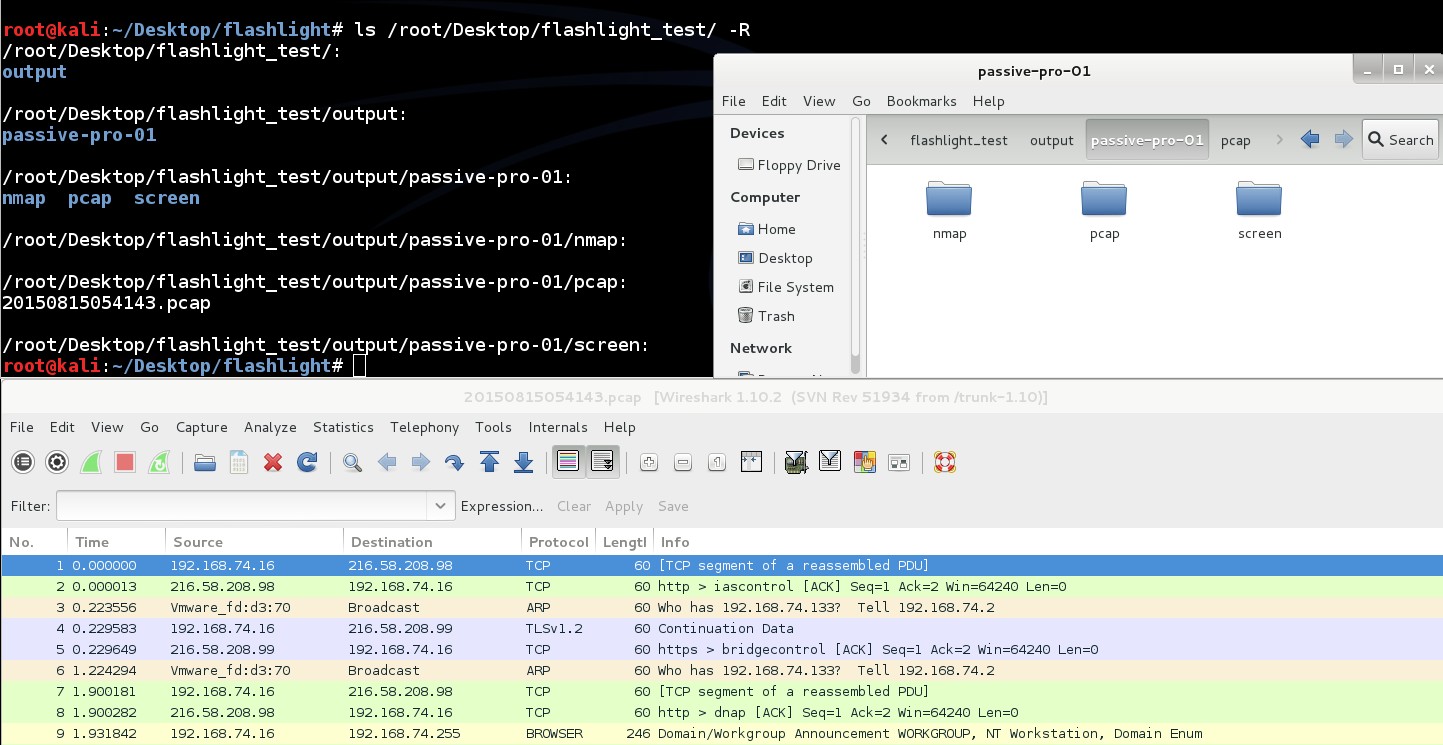
Directory structure of “flashlight_test” is like below. PCAP file is saved into “/root/Desktop/flashlight_test/output/passive-pro-01/pcap” directory. This PCAP file can be used for analysis purposes. ls /root/Desktop/flashlight_test -R
Content of the log file is like command line output:
During standard passive scanning Broadcast packets and direct packets to scan machines are captured. Beside this, by using “-mim/-m” parameter, Arp Spoof and MITM attack can be performed.
./flashlight.py -s passive -p passive-project-02 -i eth0 -g 192.168.74.2 -m -k 50 -v

By analyzing captured PCAP file HTTP traffic can be seen.

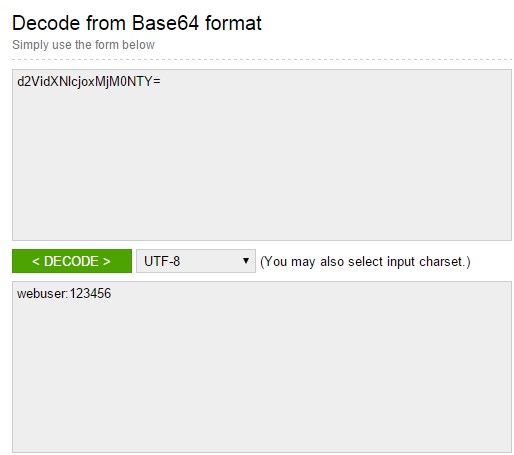
By decoding Basic Authentication message, credentials denoting access information for web servers will be accessed.
All parameters during passive scanning are listed below.
./flashlight.py -s passive -p passive-pro-03 -i eth0 -g 192.168.74.2 -m -k 50 -o /root/Desktop/flashlight_passive_full -l /root/Desktop/log -vAd