pentest tool
APT2 - An Automated Penetration Testing Toolkit
Umut
September 23, 2017
0 comments
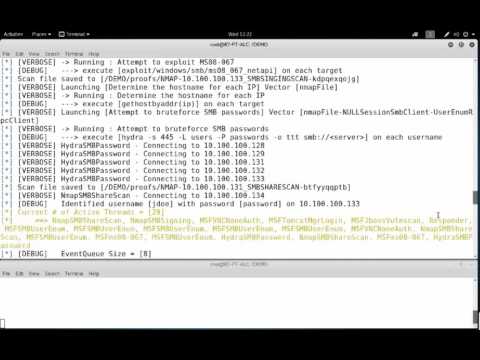
This tool will perform an NMap scan, or import the results of a scan from Nexpose, Nessus, or NMap. The processesd results will be used to launch exploit and enumeration modules according to the configurable Safe Level and enumerated service information.
All module results are stored on localhost and are part of APT2's Knowledge Base (KB). The KB is accessible from within the application and allows the user to view the harvested results of an exploit module.
Setup
NOTE: APT2 is currently only tested on Linux based OSes. If you can confirm that it works on other OSes, please let us know.
On Kali Linux install python-nmap library: python setup.py install
Current External Program/Script Dependencies
To make full use of all of APT2's modules, the following external dependencies should be install on your system:
convert, dirb, hydra, java, john, ldapsearch, msfconsole, nmap, nmblookup, phantomjs, responder, rpcclient, secretsdump.py, smbclient, snmpwalk, sslscan, xwd
Configuration (Optional)
APT2 uses the default.cfg file in the misc directory. Edit this file to configure APT2 to run as you desire.
Current options include:
- metasploit
- nmap
- threading
Metasploit RPC API (metasploit)
APT2 can utuilize your host's Metasploit RPC interface (MSGRPC). Additional Information can be found here: https://help.rapid7.com/metasploit/Content/api-rpc/getting-started-api.html
NMAP
Configure NMAP scan settings to include the target, scan type, scan port range, and scan flags. These settings can be configured while the program is running.
Threading
Configure the number of the threads APT2 will use.
Run:
No Options:
apt2With Configuration File
apt2 -C <config.txt>Import Nexpose, Nessus, or NMap XML
apt2 -f <nmap.xml>Specify Target Range to Start
apt2 --target 192.168.1.0/24
Demo
Ad